

We were ready yesterday, but decided to wait for April 2nd: Runway now ships a built-in Model Context Protocol (MCP) server. Connect Claude Code, Claude Desktop, Cursor, or any other MCP-compatible AI tool directly to your Runway account — and let it deploy, inspect, and manage your apps without leaving your editor or chat window.
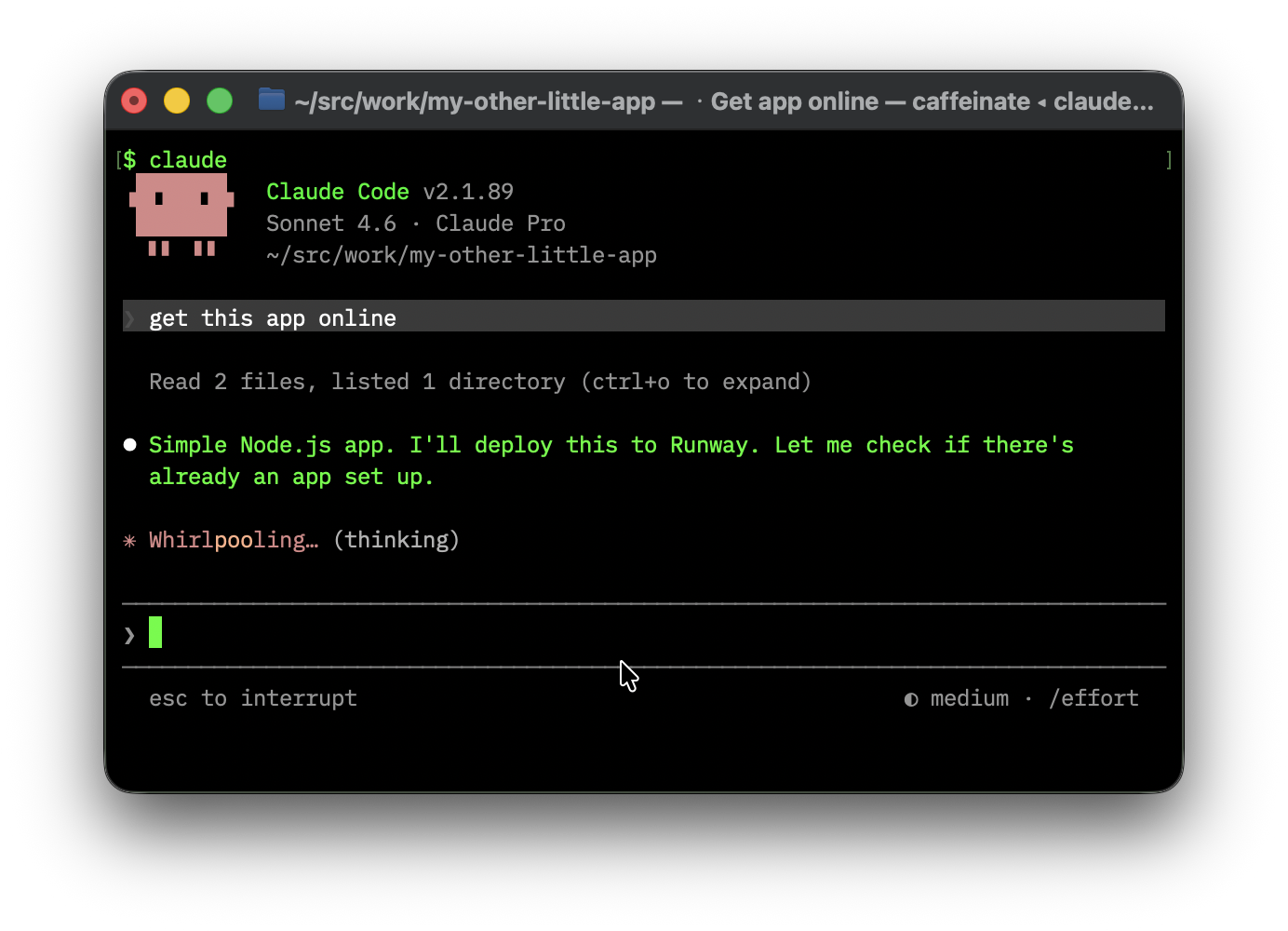
MCP is an open protocol that gives AI tools structured access to external systems. Instead of copy-pasting terminal output into a chat window and hoping the model understands it, MCP lets the AI call real tools — runway app show, runway app deploy, runway app stats — and work with the actual data.
The result: your AI assistant knows what’s running, what it costs, and how to change it.
You’ll need the Runway CLI installed and logged in. The MCP server is built in — no extra install step.
If you use Claude Code, adding the Runway MCP server is one command:
claude mcp add --scope user --transport stdio runway -- runway mcp
That’s it. Claude Code will pick up the server on next start and have access to all your Runway tools.
For other MCP clients (Claude Desktop, Cursor, etc.), configure them to run runway mcp as a stdio transport server — the same pattern applies.
Once connected, your AI tool has full access to your Runway account. It can check on your apps, tail logs, show resource usage, and deploy — without you ever switching to a terminal.
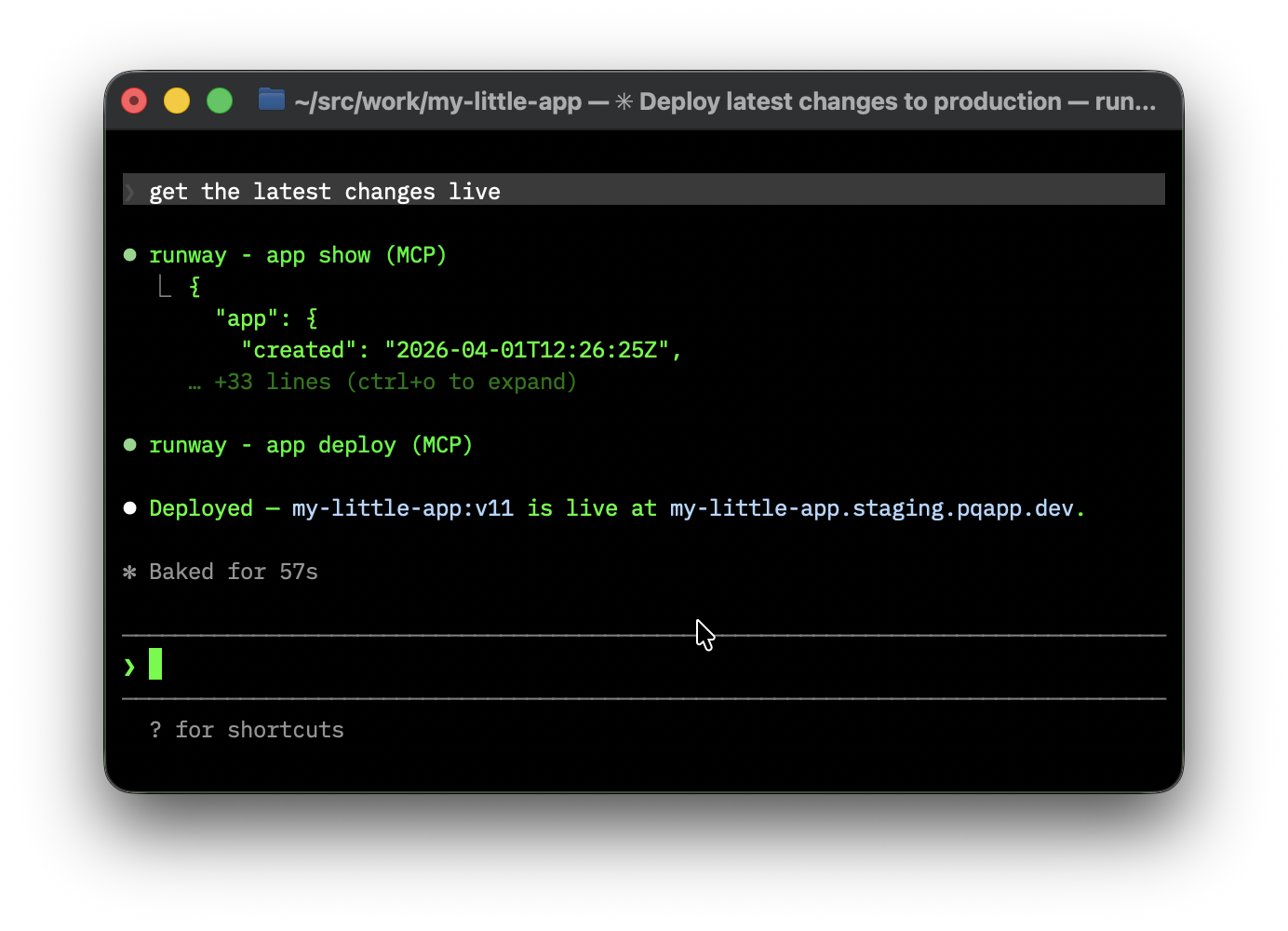
Deploying is as natural as asking. The AI figures out whether an app already exists, checks the current state, and runs the right commands.
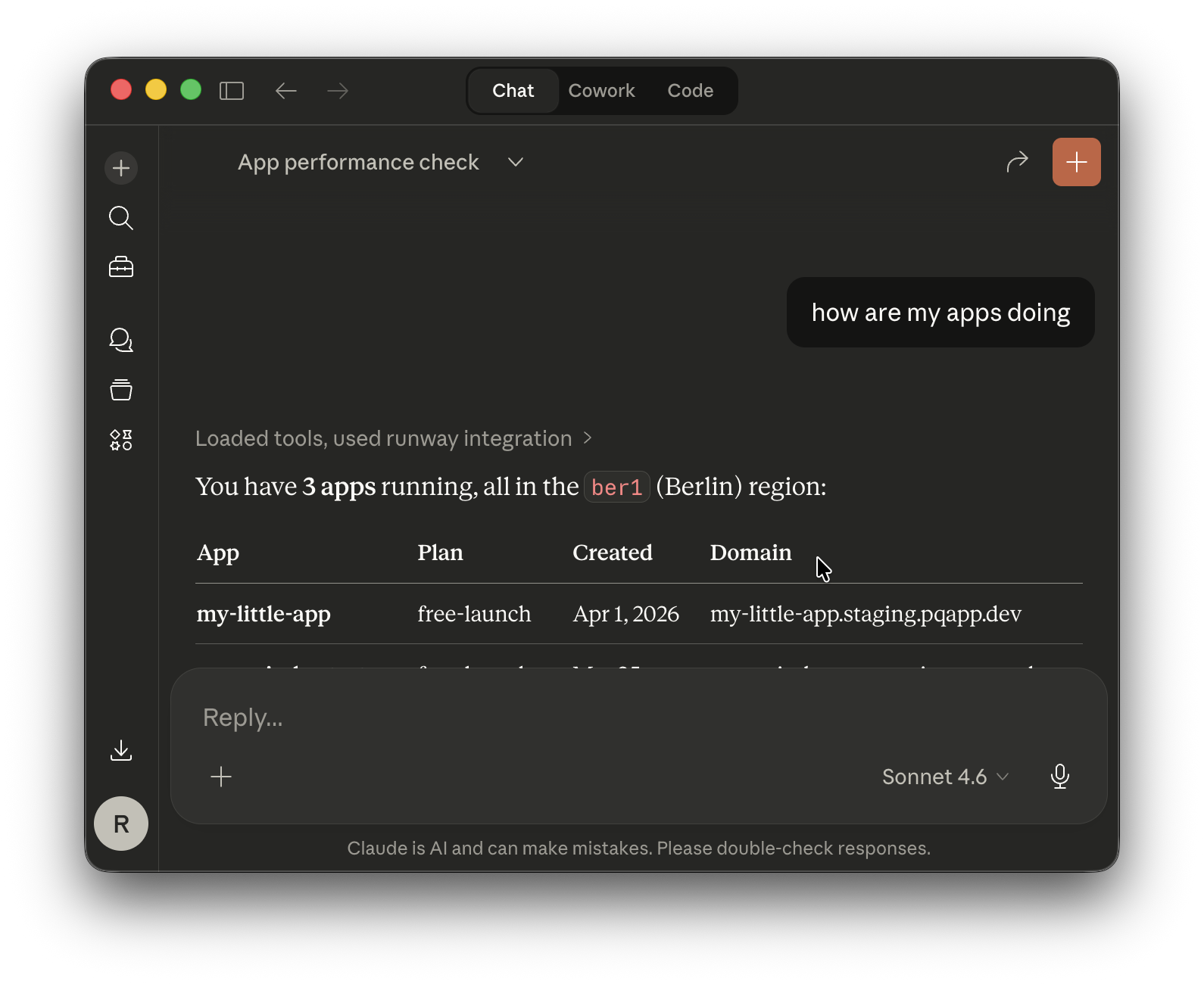
It also works in chat interfaces like Claude Desktop — no local project directory needed. Great for a quick status check from anywhere.
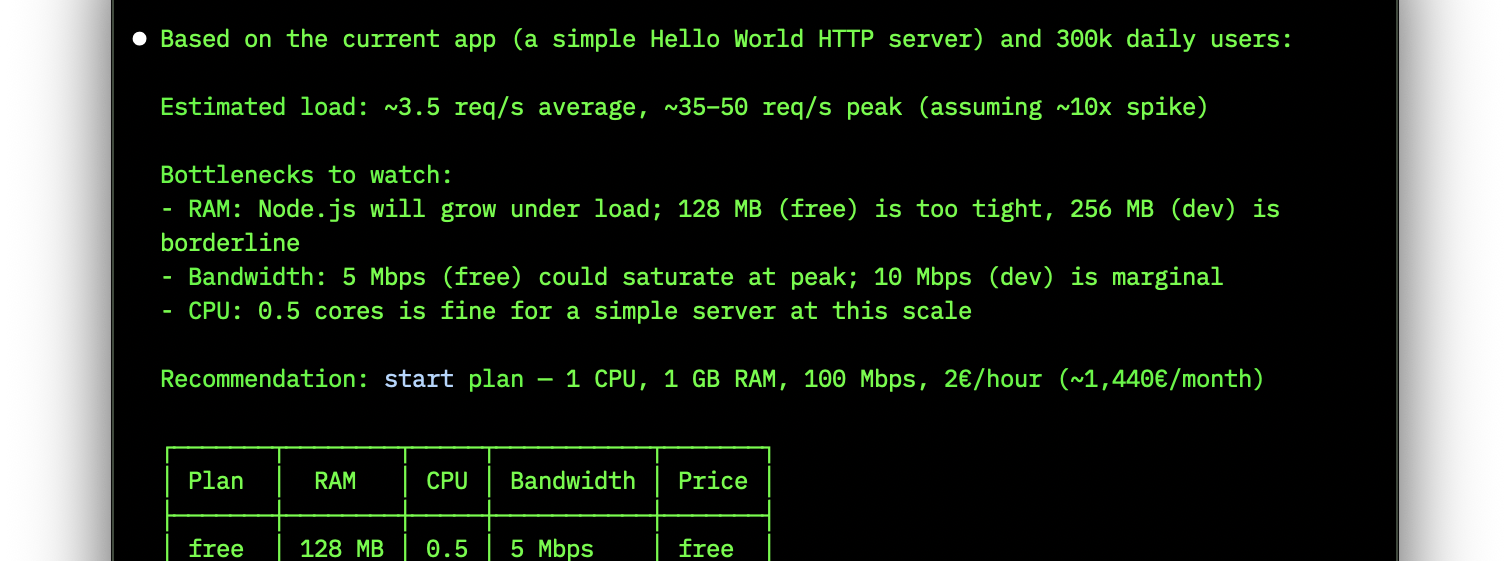
Because the AI has access to live data, it can give you grounded answers to questions that usually require digging through metrics yourself.
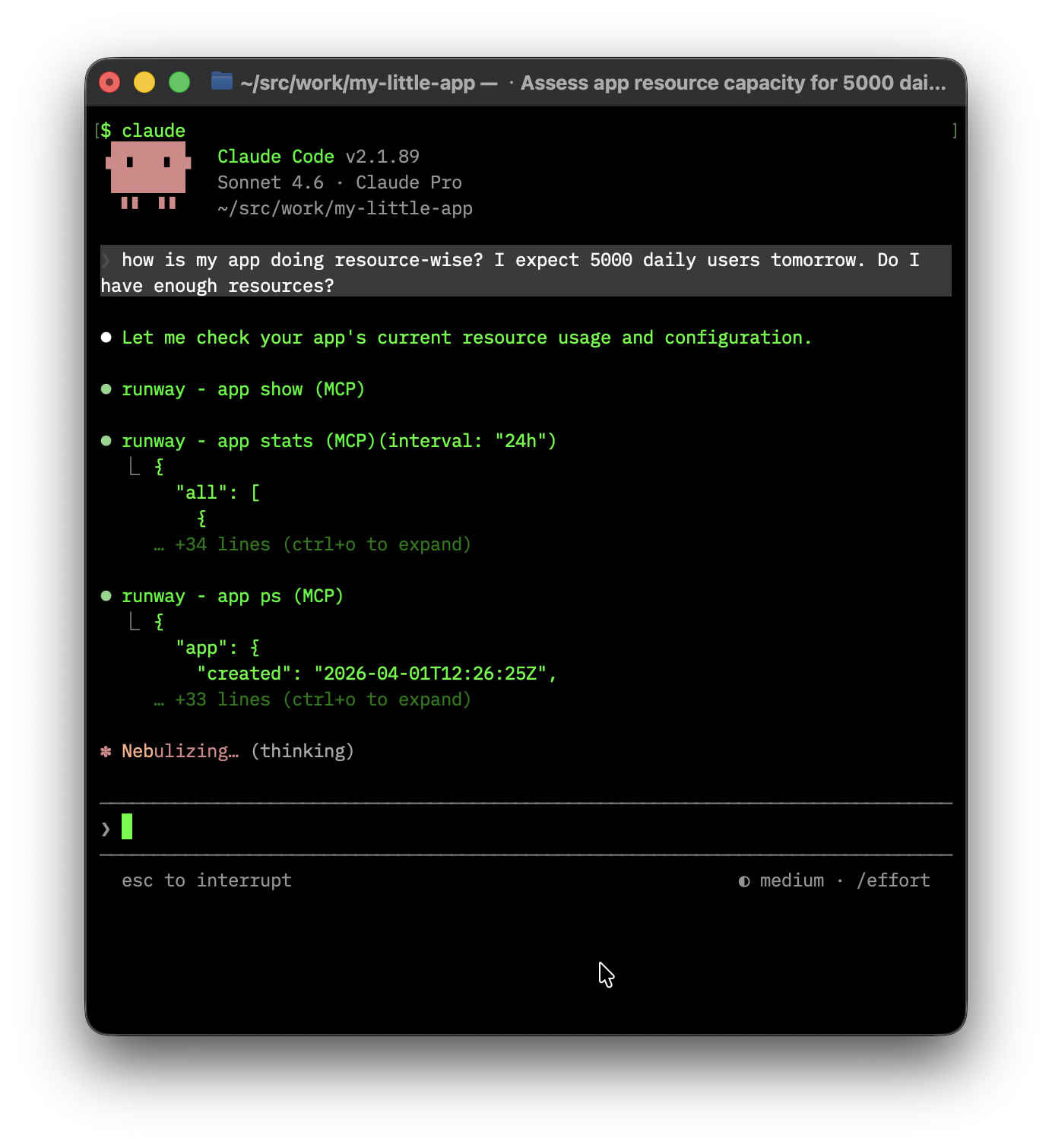
Concrete numbers, not hand-waving. When you’re about to go live or handle a traffic spike, that makes a difference.
By default, runway mcp exposes all tools — including deployment and destructive operations. If you want a more restricted setup, the server supports flags to limit what the AI can do:
# Read-only: the AI can look, but not touch
runway mcp --no-write --no-destructive --no-open-world --no-deployment
| Flag | Default | What it controls |
|---|---|---|
--[no-]write |
on | Non-readonly tools (create, update) |
--[no-]destructive |
on | Tools that delete or overwrite data |
--[no-]open-world |
on | Arbitrary code execution (runway app exec) |
--[no-]deployment |
on | Deployment tools (only useful with local project access) |
The --no-deployment flag is worth knowing about: deployment only makes sense when the AI has access to your local project directory (as Claude Code does). If you’re connecting from a chat interface without file access, disabling it avoids confusion.
The session list in your profile now shows the IP address for each active session. A small thing, but useful if you want to verify where a session came from or spot one that shouldn’t be there.
runway app create now supports pulling config and settings from an existing app you have access to:
runway app create my-new-app --inherit-from=my-other-app
This copies over environment variables, routing config, and lockdown settings in one go. You need at least viewer access on the source app. If you only want part of it, --with-config-from and --with-settings-from let you be selective. Full details in the docs.
runway selfupdate respects your install channelIf you installed the CLI via Homebrew, Nix, Snap, or another package manager, runway selfupdate now knows that. No more conflicts between the CLI’s self-updater and your package manager.
That’s March. The full reference for runway mcp is in the docs — give it a try and let us know what you build with it. And as always, if you run into anything or have feedback, we’d love to hear from you.