

We promised a better October, and it’s finally here: templates. Deploy a database, a cache or a search engine to Runway with one command, or with a few clicks in your browser. On top, you can now create apps and services on the web as well. We also shipped new storage stats and fixed a few things in the CLI and the builder.
A template is a recipe for ready-made software. It sets up the container image, a volume for your data, generated passwords and a health check. You get an app that is ready to use, with connection details for your other apps.
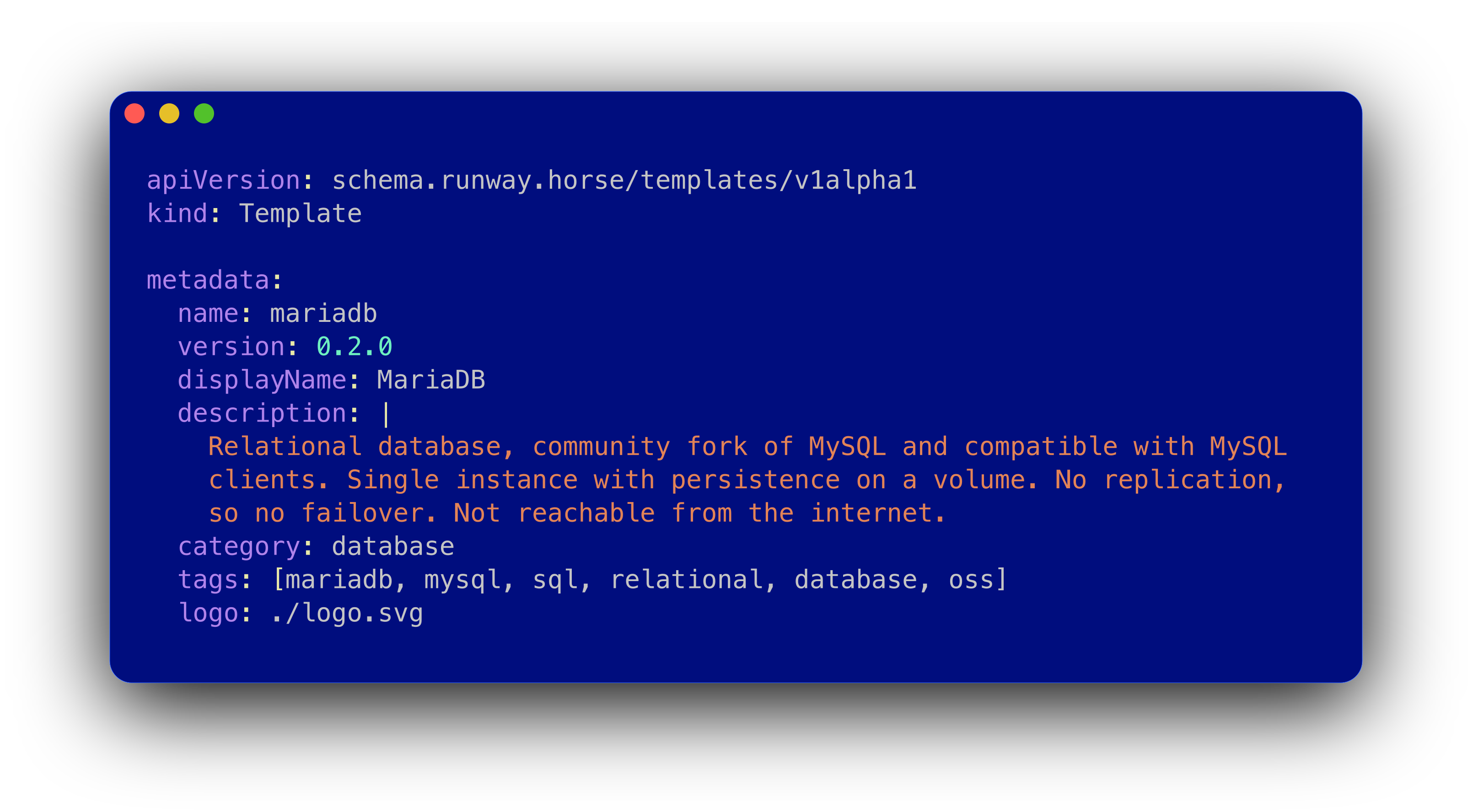
We started with three templates in September and added five more in October. This is the full list:
| Template | What it is | Reachable from |
|---|---|---|
| MariaDB | SQL database | your apps |
| MongoDB | document database | your apps |
| Valkey | key-value store | your apps |
| Memcached | cache | your apps |
| CouchDB | document database | public HTTPS |
| InfluxDB 2 | time series database | public HTTPS |
| Meilisearch | search engine | public HTTPS |
| OpenBao | secrets management | public HTTPS |
Software without a login or without encryption on the wire stays internal: only your apps on Runway can connect. Templates with a public address need a login, a token or an API key for every request.
No setup needed. Open the deploy page, pick a template, fill in the form and deploy. More on the deploy page below.
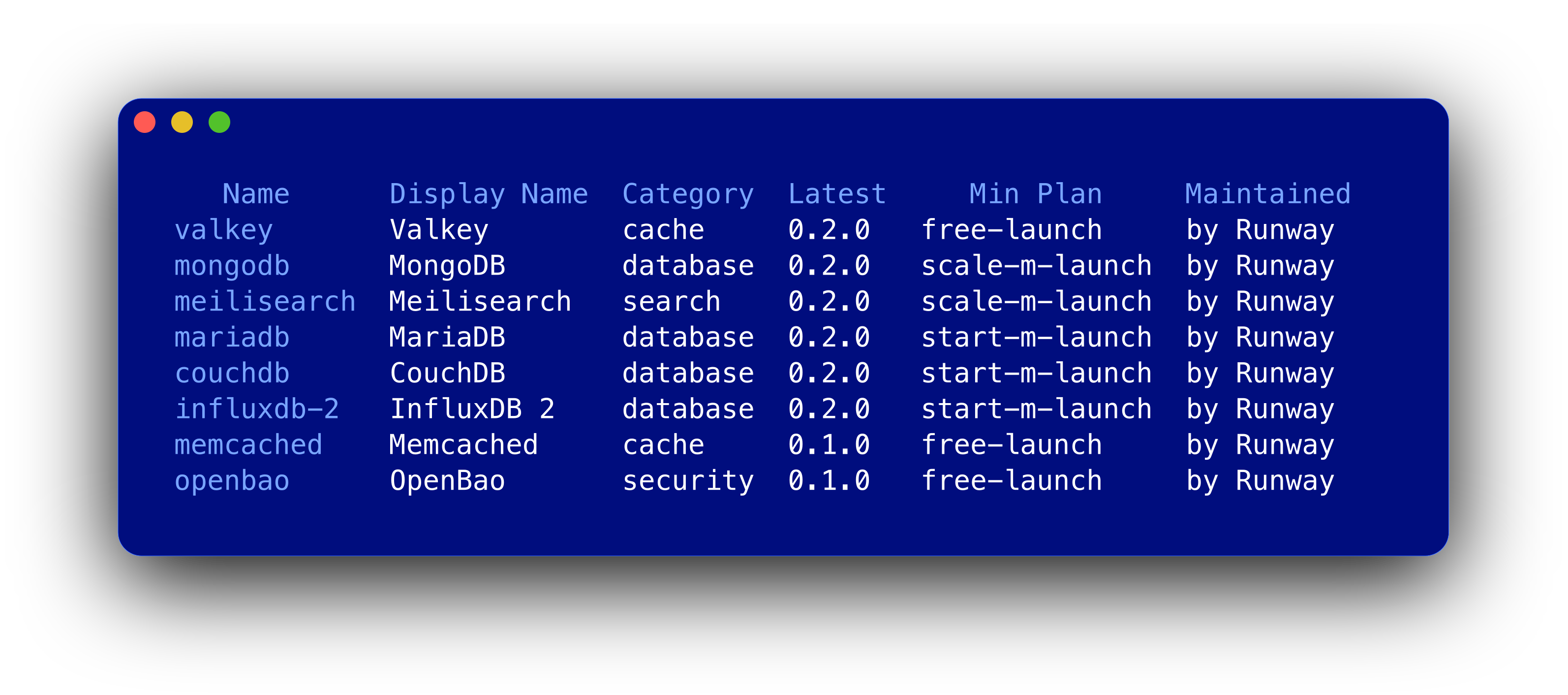
Templates are part of the Runway CLI since v1.49.0:
runway template ls
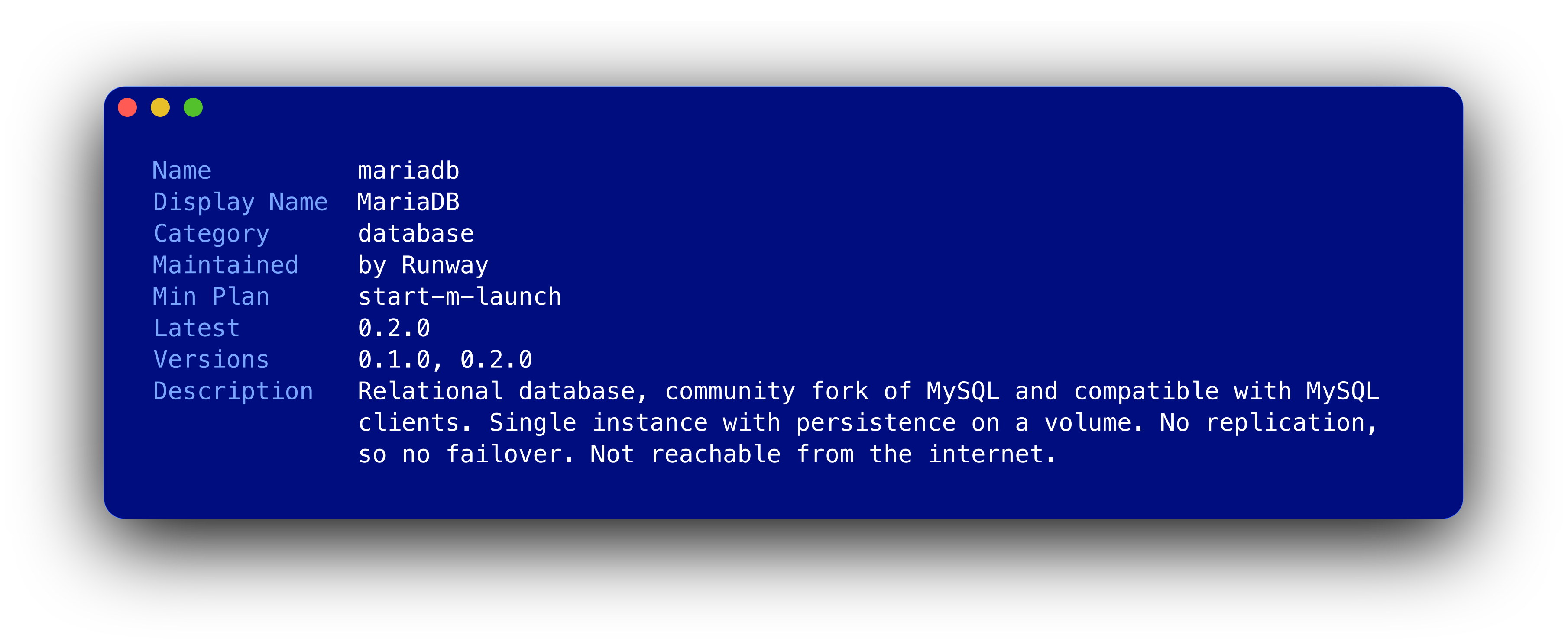
runway template show mariadb
There are some options - but the straight forward version is:
runway app create --app=my-db --plan=start-m-launch
runway app deploy template --app=my-db --template=mariadb \
  database_name=shop username=shop
Each template has a DSN or a URL to connect with. You find it on the app’s page in the browser, or with:
runway app show --app=my-db --reveal
Without --reveal, the password is hidden.
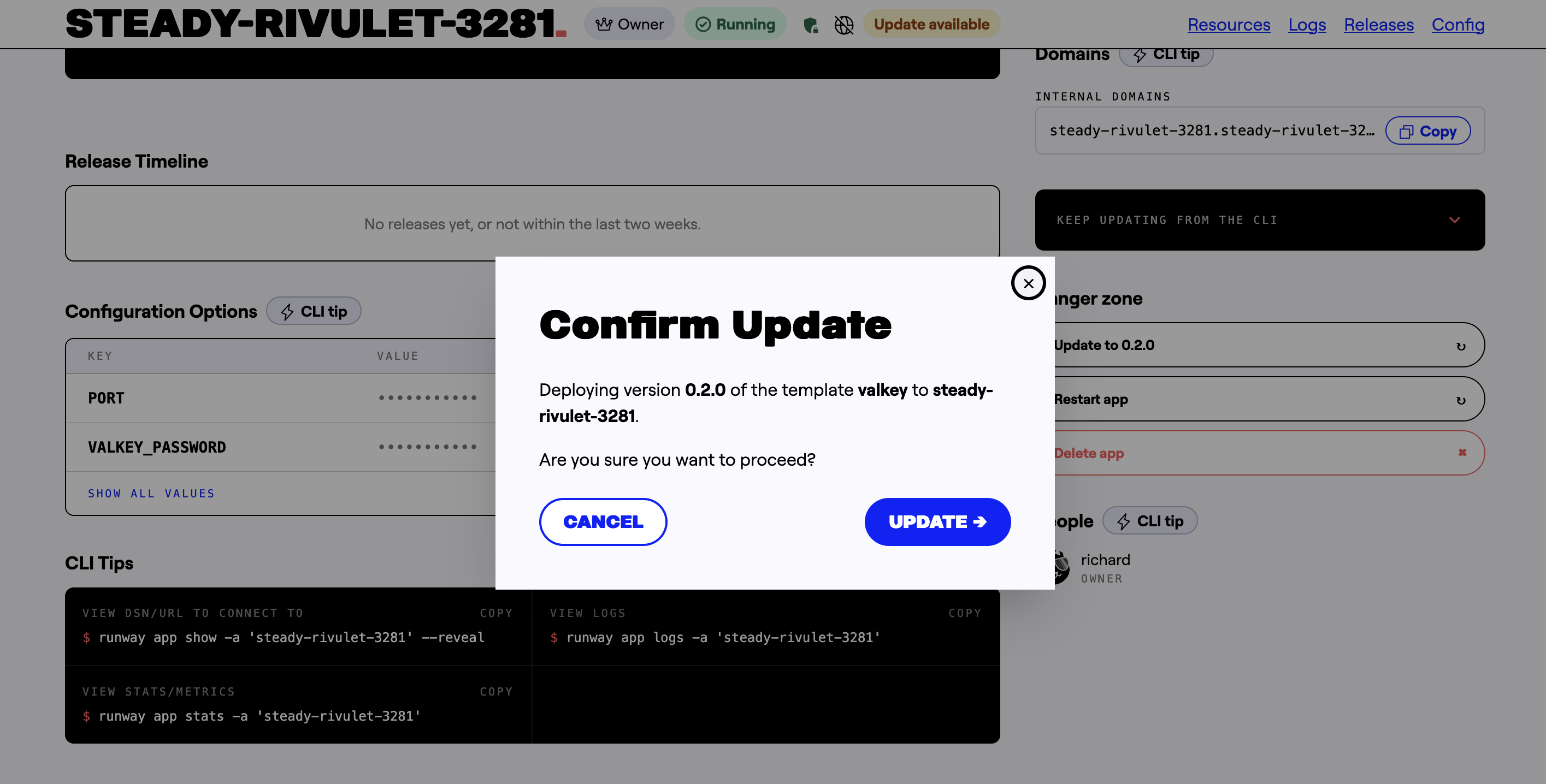
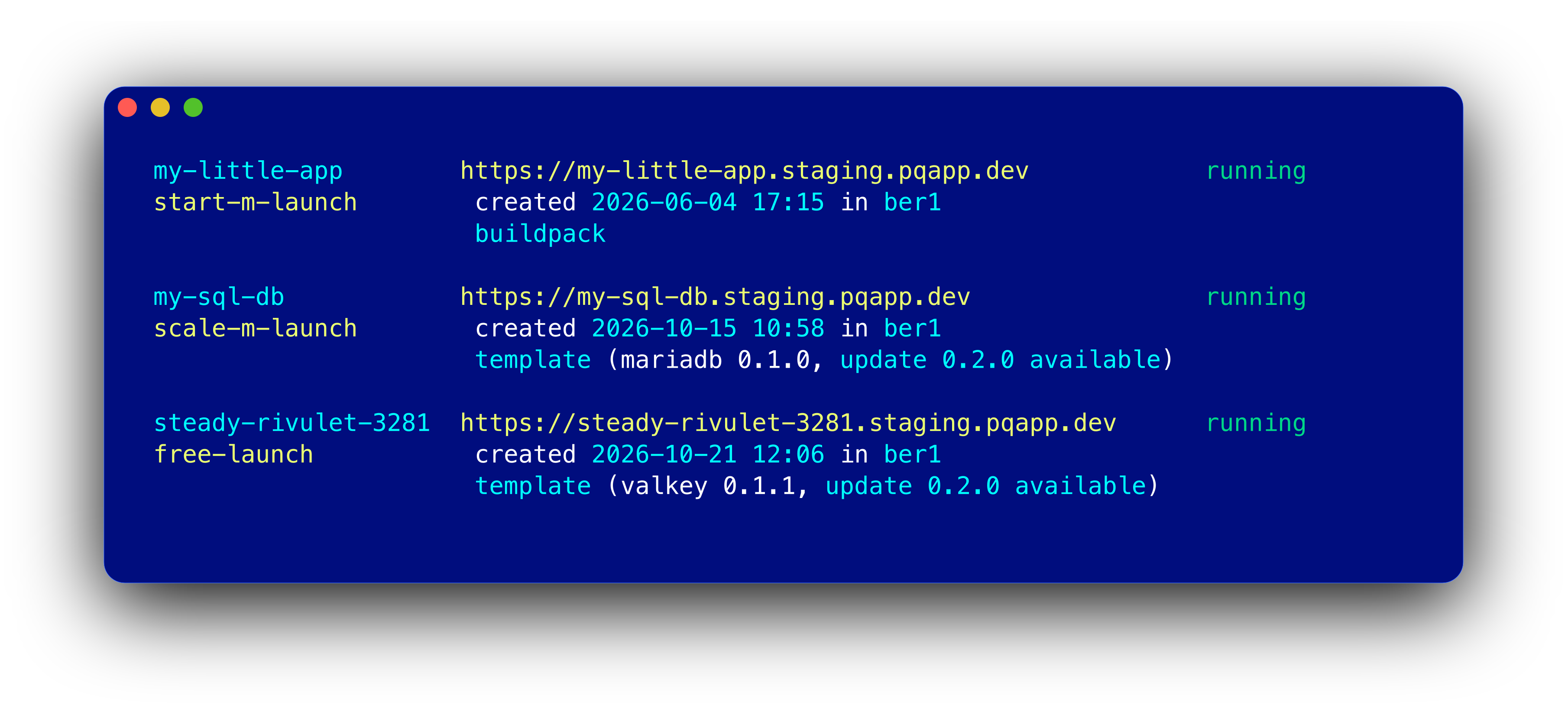
Templates have their own version. When a newer version is out, Runway tells you: in the app list, on the app’s page, and in the CLI. Runway supports the entire lifecycle of a template app.
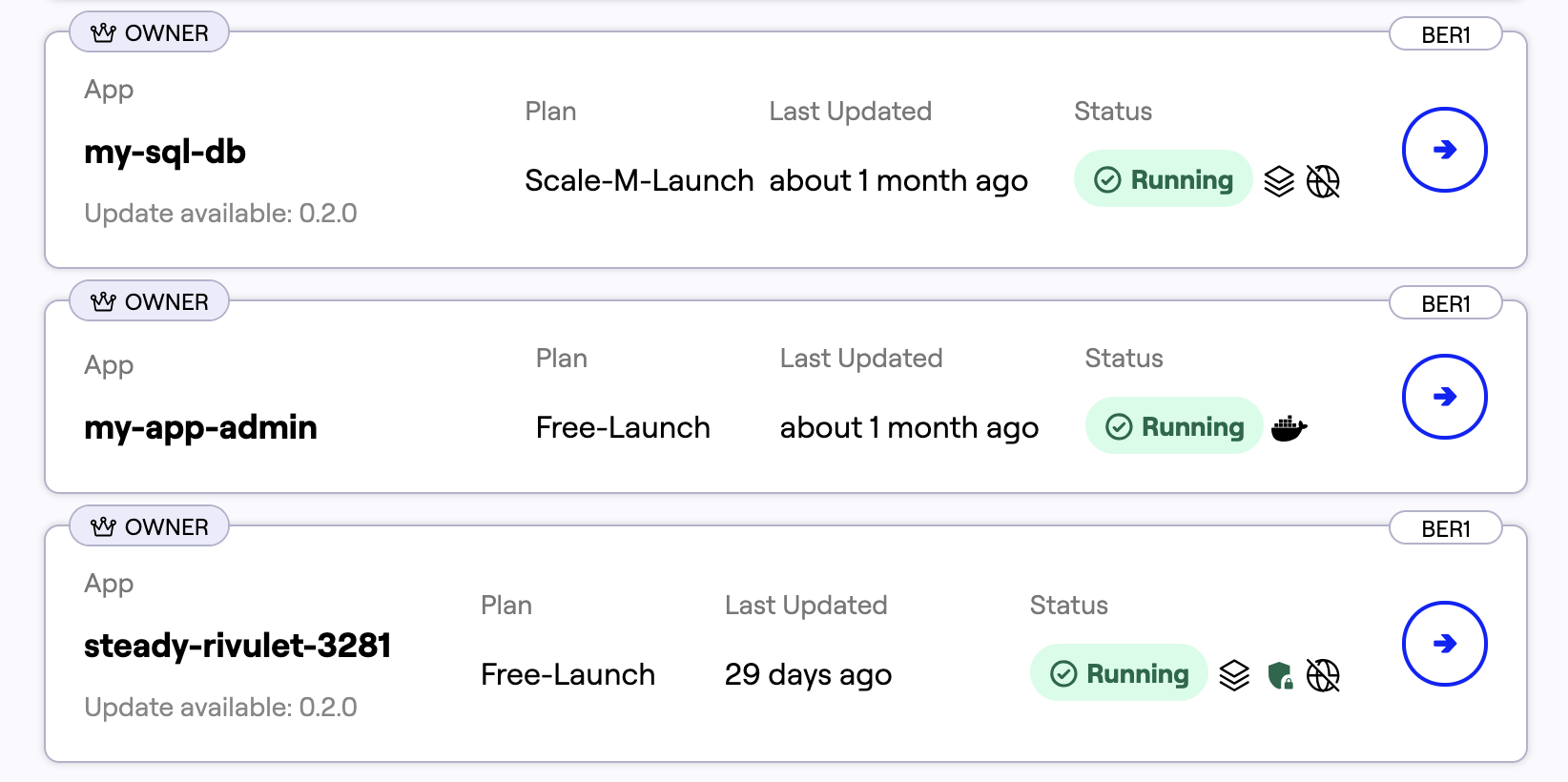
In the browser, the update is one click on the app’s page:
In the CLI, runway app ls and runway app show show the hint:
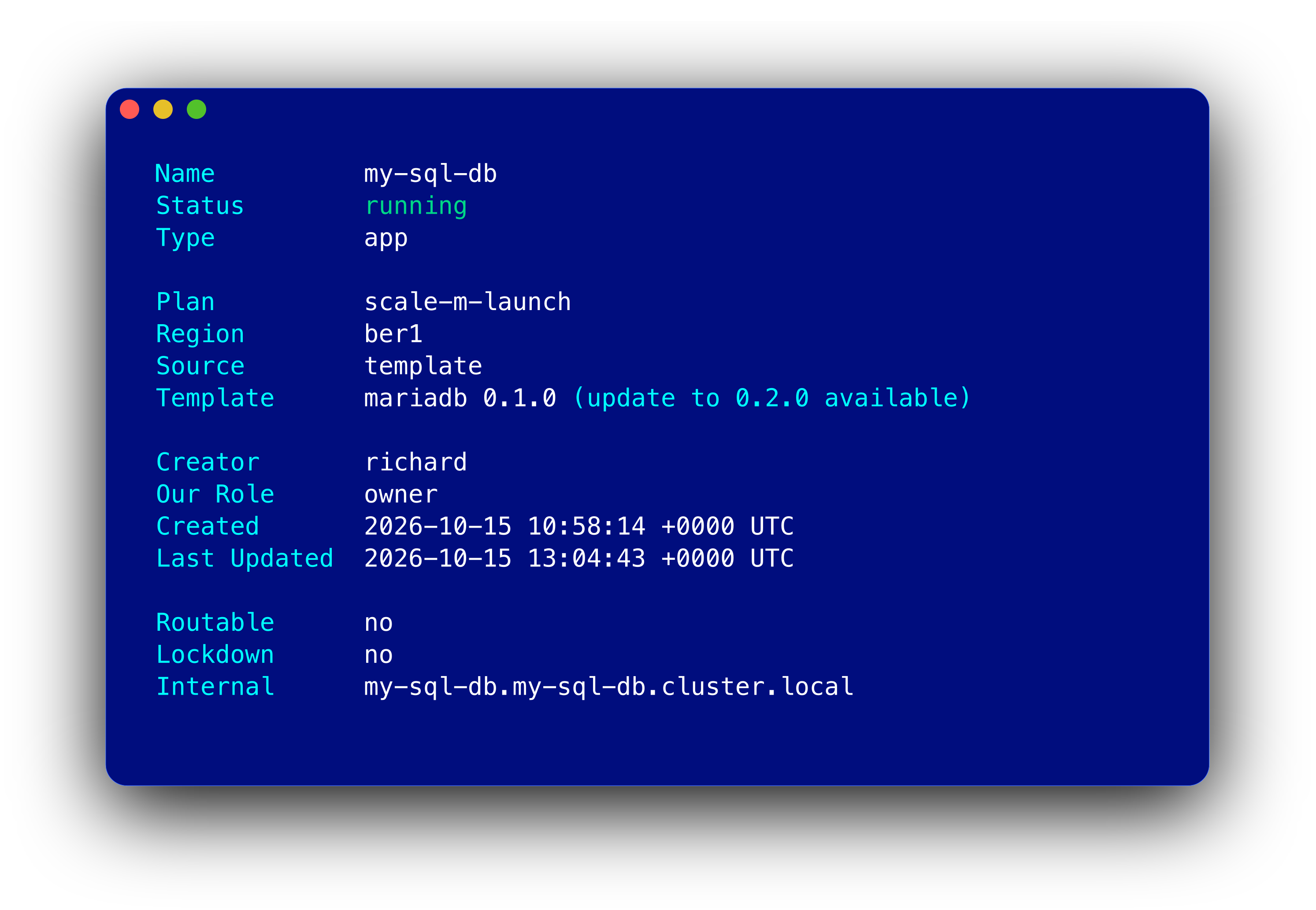
To update, deploy the template again with the same inputs.
Read the template guide to get started. Is your favourite software missing? Request a template — or contribute one.
Until now, most things on Runway started in the CLI. That changed in October: the new deploy page lets you do it all on the web.
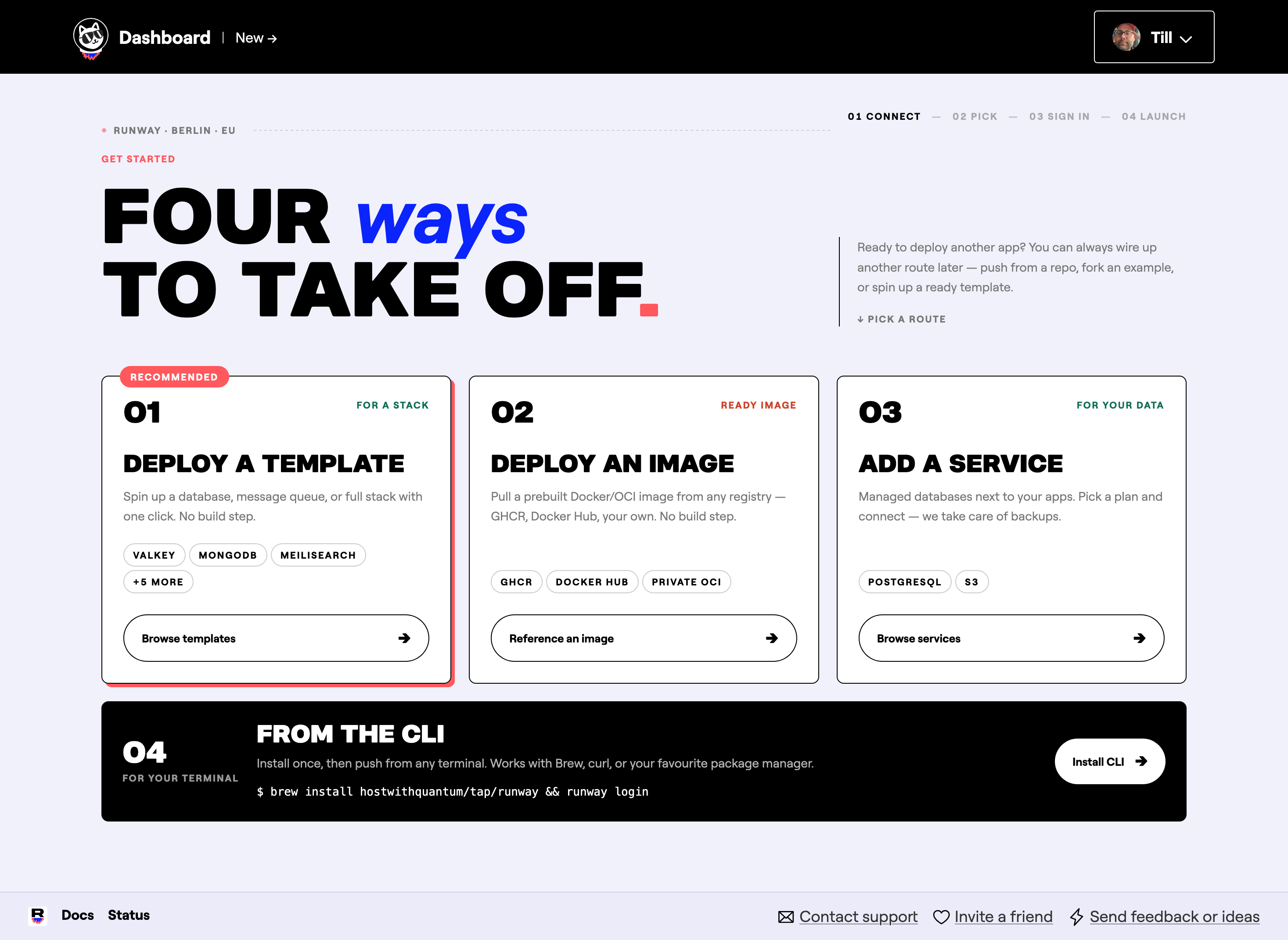
No CLI needed to get started. Of course, the CLI is still there and does the same things.
We rebuilt how we measure disk usage. Stats now show the disk of your app’s container and each volume on its own, and every volume counts only once. You see the new numbers in the browser and in the CLI (v1.48.0 or later). This works for template apps as well.
runway login with user and password now clears a saved API key. Before, the CLI kept using the old key.Update with brew upgrade or see the install docs.
For a short time in October, Dockerfile builds got stuck in “pending”. A clean-up job on our side had removed images the builder needs. We restored them, turned the job off, and the builder no longer waits forever when this happens.
We also automated the releases of our builders. Updates and fixes now reach your builds sooner.
That’s it for October. Try a template and tell us which one we should add next!
As always, let us know what you think — and if you’re new here: Runway runs your apps and managed databases, hosted entirely in the EU.